Your server's first hour: a checklist
Ten things to do on a new Linux VPS before you put anything on it, in order, with commands for Ubuntu 24.04 and Debian 12.
A new server is on the internet from the moment it boots, and the bots find it within minutes. Spend the first hour on this list before you install anything else. Most steps take a few minutes and link to a longer guide if you want the detail.
The commands assume you're root, which you are on a new server. As a normal user, put sudo in front.
First, three minutes in the panel
These run outside the server, so set them up before anything else. The build timeline links to each of them once SSH answers.
- The panel firewall. On the server's Firewall tab, set the default to deny and allow only what you use:
allow tcp 22(better,fromyour own address), andallow tcp 80andallow tcp 443for a website. It filters traffic before it reaches the server, and you can fix it without logging in. Use the panel firewall - Automatic snapshots. On the Snapshots tab, under Automatic snapshots, pick daily at a quiet hour and press save schedule. A snapshot is your undo button for the steps below. Snapshots
- An alert. On the Alerts tab, add a Server down rule, so you hear about it when the server stops answering. Notifications and resource alerts
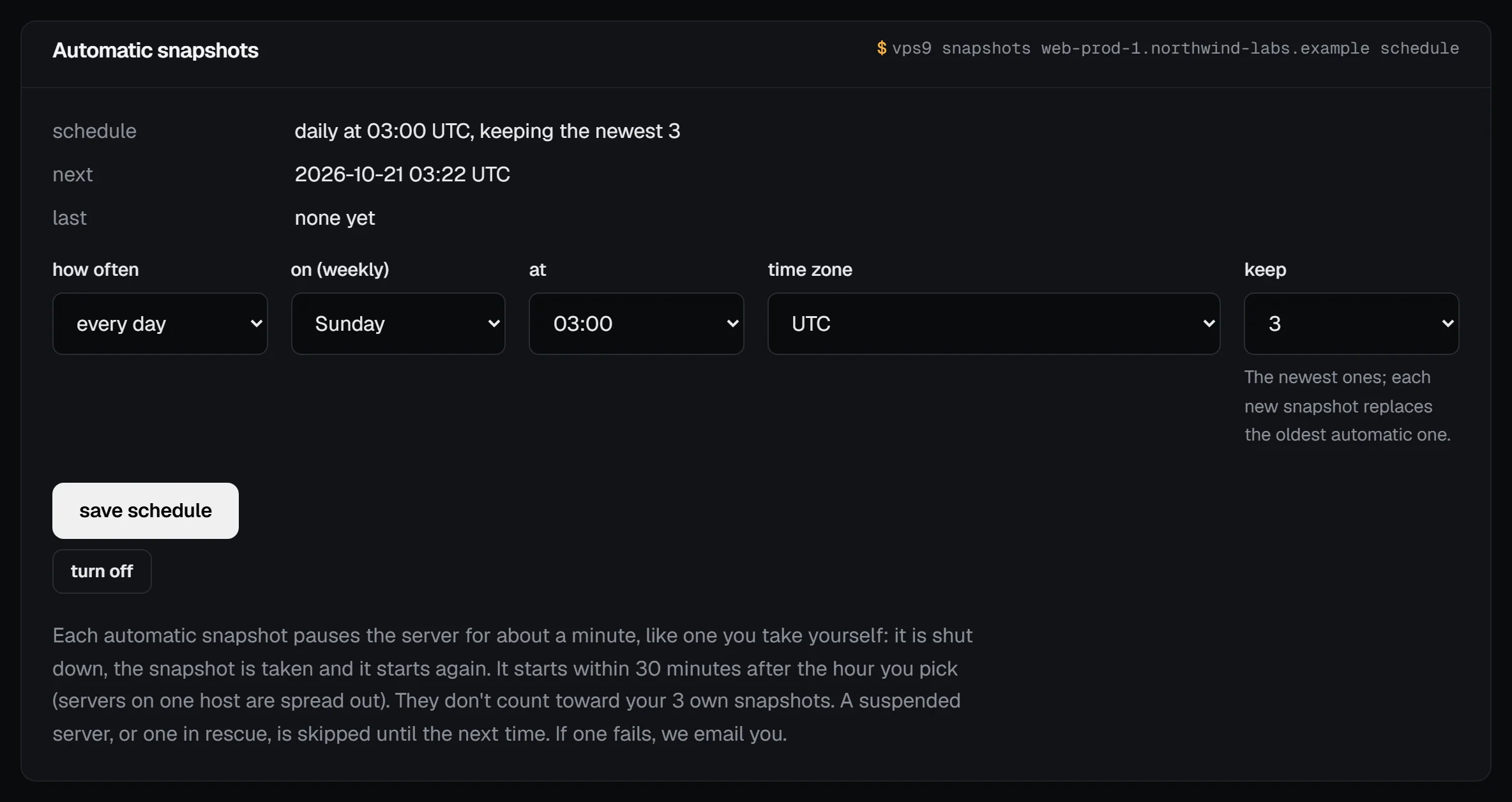
Check it worked: the server's overview shows the Snapshots card with Automatic: daily… and the Alerts card with 1 watching, all quiet.
1. Update everything
apt update && apt full-upgrade -yIf that pulled in a new kernel, you'll reboot at the end anyway.
2. Set the hostname and time zone
hostnamectl set-hostname web-1
timedatectl set-timezone UTC
We like UTC on servers because logs from different machines line up. Use your own zone if you'd rather; timedatectl list-timezones lists them all, and set the time zone and NTP has the details.
3. Keep SSH on keys
Your server already logs you in with your key and refuses SSH passwords. Write that into your own SSH config so it stays that way, then give root a password with passwd for the serial console. Use SSH keys instead of a password has every command.
4. Create a normal user
Working as root all day makes every typo expensive. Make a user (here, deploy) and give it sudo. On Debian 12, run apt install -y sudo first if the command isn't there.
adduser deploy
usermod -aG sudo deploy
Give the new user your keys so you can log in as it:
install -d -m 700 -o deploy -g deploy /home/deploy/.ssh
install -m 600 -o deploy -g deploy ~/.ssh/authorized_keys /home/deploy/.ssh/
Try it from your computer with ssh deploy@203.0.113.42, then run sudo -v to make sure sudo works. Create a sudo user and disable root login takes it to the end, including turning off root's SSH login.
5. Turn on a firewall
Allow SSH before you enable it, or you'll cut yourself off. Debian 12 doesn't ship ufw, so the first line installs it (on Ubuntu it's a no-op):
apt install -y ufw
ufw allow OpenSSH
ufw enable
Set up a firewall with ufw explains the rest.
6. Install security updates automatically
apt install -y unattended-upgrades
dpkg-reconfigure -plow unattended-upgrades
Say yes when it asks. Install security updates automatically covers automatic reboots and how to check it's running.
7. Slow down the password guessers
Even with passwords off, bots will fill your logs. Block brute-force attempts with fail2ban bans the addresses that keep trying.
8. Add swap on small plans
A bit of swap turns a memory spike into a slowdown instead of a dead database. See Add a swap file.
9. Check what's listening
ss -tulpnEach line is a port open to the network. On a fresh server you should see SSH on 22 and not much else. If something's there that you didn't install, find out what it is before going on.
10. Reboot and log back in
rebootGive it a minute, then connect again. If it comes back and your key still works, the basics are done. While you're at it, check that IPv6 works.
Where to next
For a website, Serve a site with nginx and HTTPS. For containers, Install Docker. If you plan to run a mail server, read Sending email: port 25 and Set reverse DNS first, because there's a block to lift. And set up backups before there's anything on the server you'd miss.