Monitor your website's uptime
Check a website, API, port or DNS record from outside every minute, and get one notice when it goes down and one when it is back up.
An uptime monitor checks one of your services from outside, the way a visitor would, and tells you when it stops answering. VPSNine runs the checks from its control plane, not from your server, so a monitor still works when the server itself is down. Monitoring is free for every account.
You manage monitors in the panel under Monitoring (my.vpsnine.com/monitors), with the API (/api/v1/monitors), or with the CLI (vps9 monitors).
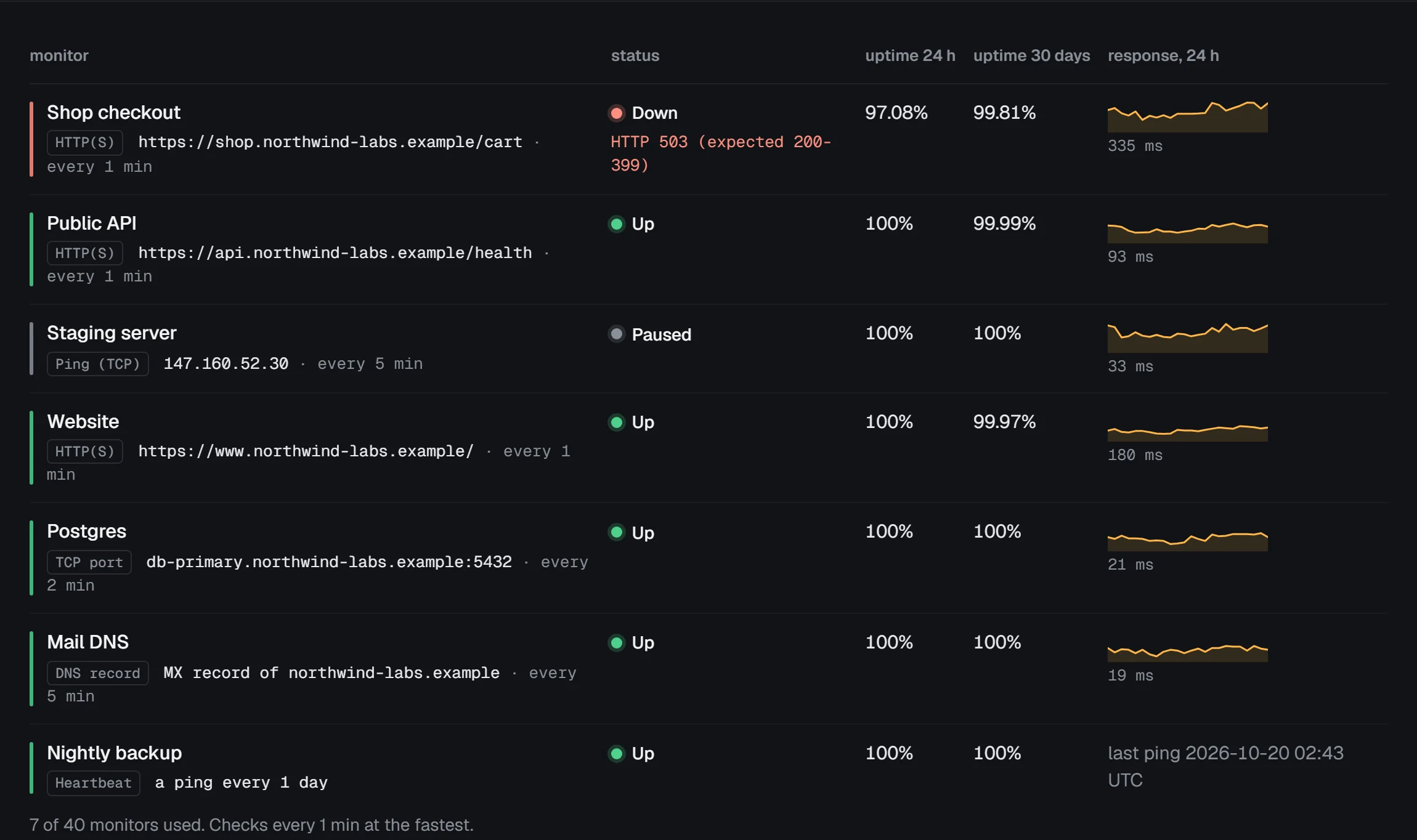
Add a monitor
- Open Monitoring and choose new monitor.
- Pick what to check (the types are below) and give the monitor a name. The name is what notices and status pages show.
- Fill in the target and choose add monitor.
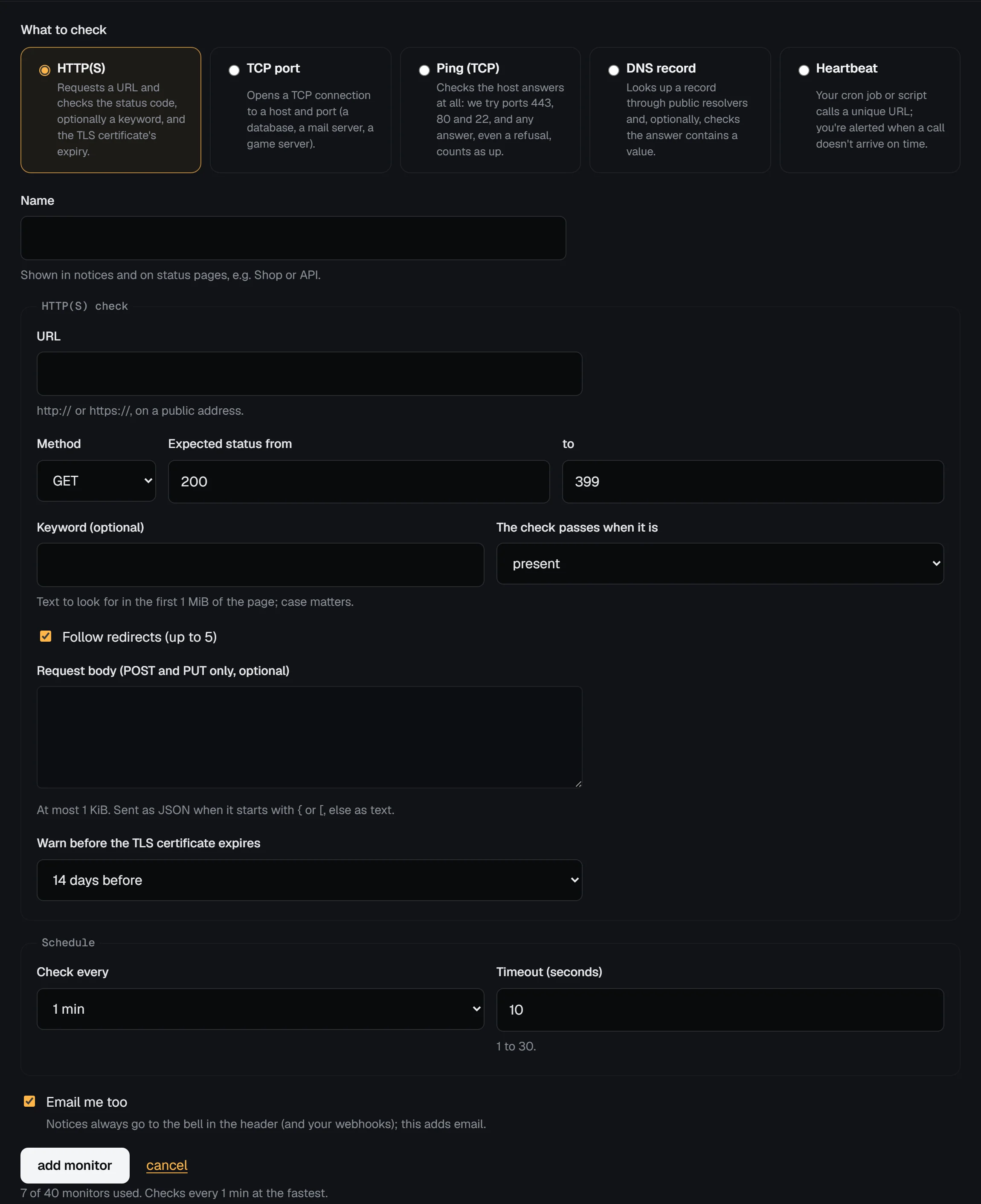
The first check runs within a few seconds. An account can have 10 monitors, plus 5 for each server on it, up to 50. Accounts with a server get checks every minute; accounts without one every 5 minutes at the fastest.
| Type | What it checks | Up when |
|---|---|---|
| HTTP(S) | A URL, with GET, HEAD, POST or PUT | The status code is in the expected range (200-399 by default), and the keyword is there (or absent) if you set one |
| TCP port | A host and port, like a database or a game server | A connection opens |
| Ping (TCP) | A host | Any of ports 443, 80 or 22 answers, even with a refusal |
| DNS record | An A, AAAA, CNAME, MX, TXT or NS record, through public resolvers | The record exists and, if you set one, contains the expected value |
| Heartbeat | Your own cron job calls a URL | The call arrives on time. See heartbeat monitoring. |
Ping uses TCP rather than ICMP: our control plane can't send ICMP packets. A host that is up almost always answers on one of those ports, and a refused connection still proves it is there.
What counts as down
A single failed check does not alert anyone. When a check fails, a second one runs 20 seconds later; only when that fails too is the monitor down. That filters out a dropped packet or a deploy that restarts a process.
The check fails on a timeout (10 seconds by default, up to 30), a refused or reset connection, a DNS name that doesn't resolve, an untrusted or expired TLS certificate, a status code outside the range, or a missing keyword. The monitor's page says which.
If most checks across many unrelated sites fail at the same moment, the problem is more likely our network than yours. Confirmation then waits for up to 10 minutes, so a fault on our side doesn't page every customer at once.
Alerts
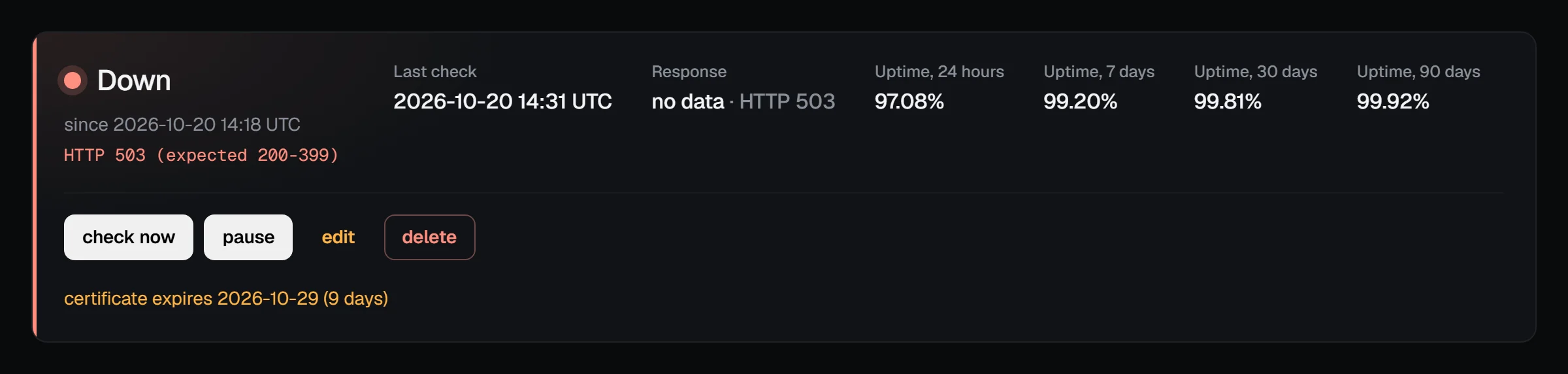
You get one notice when a monitor goes down and one when it is back up, with how long it was down. Notices go to the bell in the panel, by email (switch it off per monitor with Email me too, or for all monitors in notification settings), and to any webhook subscribed to monitor.down and monitor.up.
A monitor that goes down three times within an hour is flapping: further outages in that hour are recorded on its page but send no notice, so a service that bounces up and down doesn't fill your inbox.
For HTTPS monitors, you also get one warning when the certificate is about to expire: 14 days before by default, or 7, 21 or 30. Set it to no warning to turn it off.
Uptime and response time
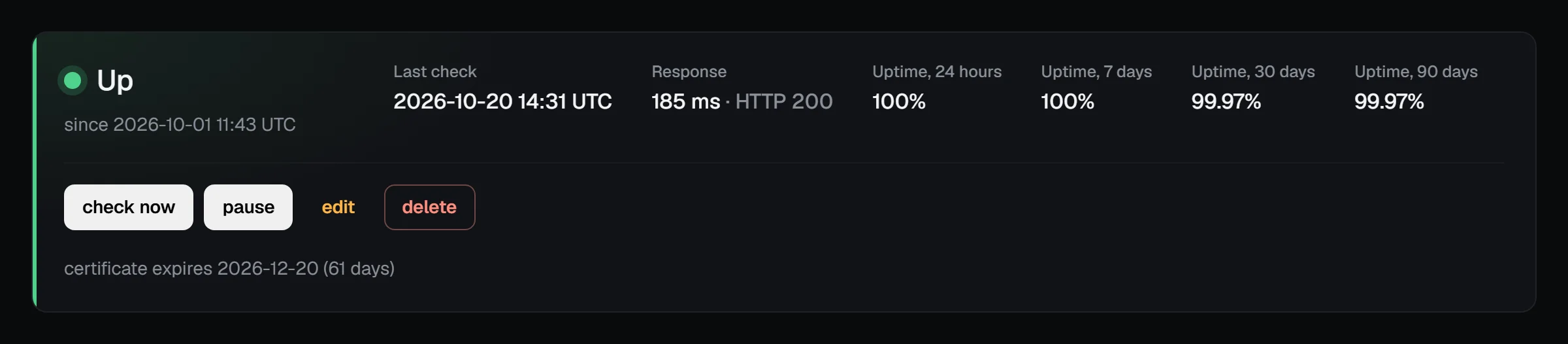
Each monitor's page shows its uptime over the last 24 hours, 7, 30 and 90 days, a response time graph, a bar for each of the last 90 days and every outage with its cause.
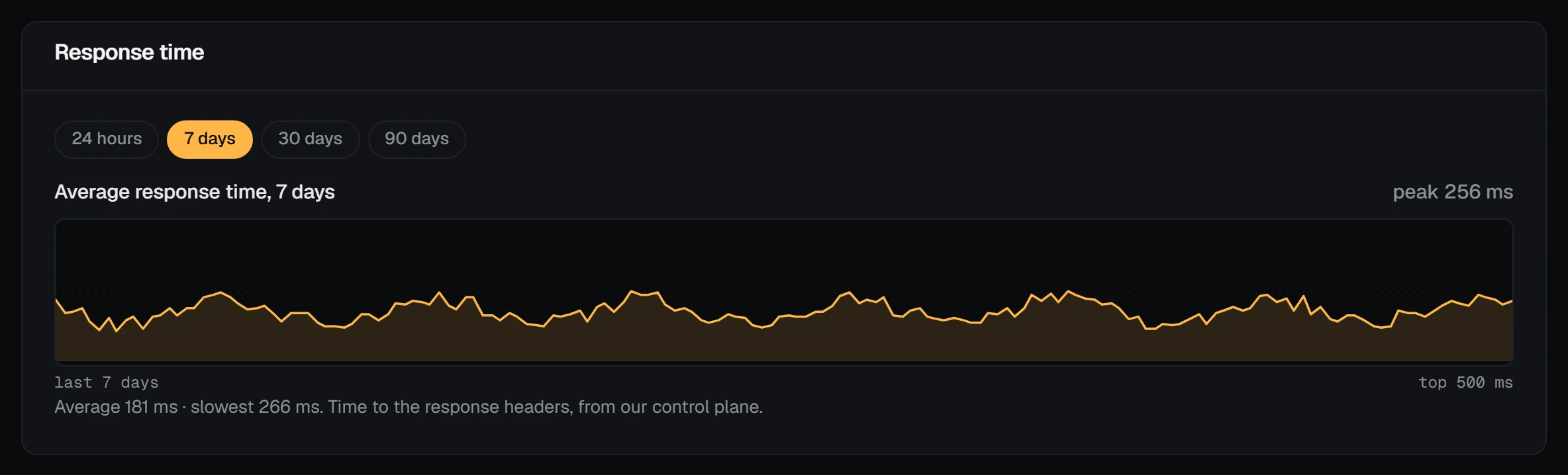
Uptime is the share of checks that found the service up, where checks made during a confirmed outage count as down. Response time is the time from the start of the check until the response headers arrive. Checks are kept for 48 hours, and hourly summaries and outages for 90 days.
Pause, edit or delete
Use pause during planned work: a paused monitor runs no checks and sends no notices, and status pages show it as under maintenance. resume starts it afresh. Saving changes to what a monitor checks also starts it afresh, and ends an outage in progress without a notice. check now runs a check at once (5 a minute).
Which addresses can be checked
Monitors can only check public internet addresses. Private, loopback, link-local (including the cloud metadata address) and other reserved addresses are refused when you save the monitor and again before every check and every redirect, and the check connects to the address it checked. A name that later starts resolving to a private address is checked only every 15 minutes and stays down.
If you see our checks in your logs
Every check comes from our control plane with the user agent VPSNine-Monitor/1.0 (+https://vpsnine.com/help/uptime-monitoring). A check reads at most the first 1 MiB of a page, and only when a keyword is set. Request bodies, for POST and PUT checks, are limited to 1 KiB. If a monitor checks a site you run and you didn't set it up, open a ticket and we'll look into it.