Change your email, download your data or delete your account
Move your account to a new email safely, download everything we keep about it as one file, or close the account for good.
All three live on the Account page of the panel, at my.vpsnine.com/account.
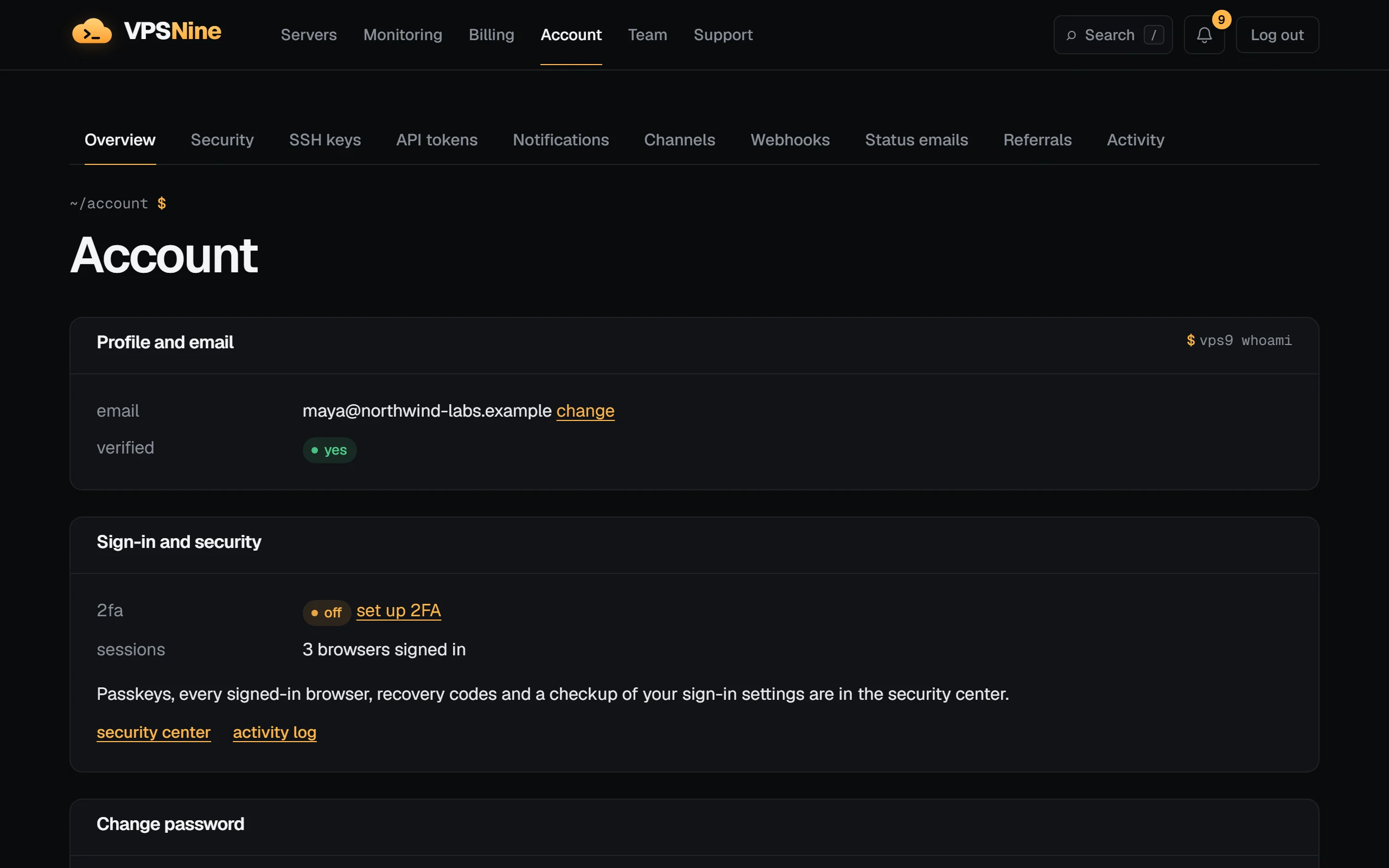
Change your email
- Next to your email, choose change.
- Type the new address and your current password. If two-factor authentication is on, add a code from your app.
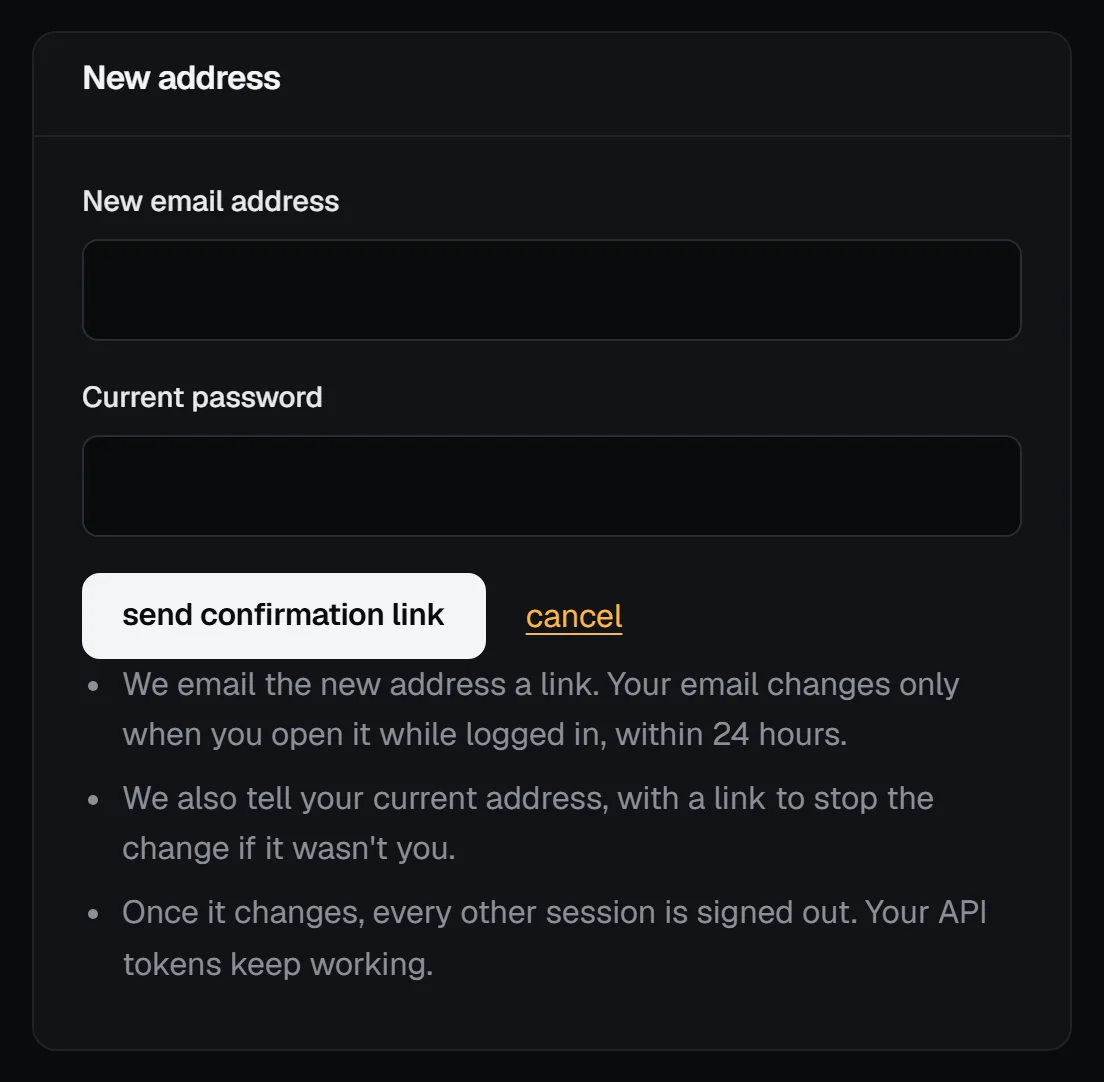
- We email the new address a link. Open it while logged in to your account and press change my email. The link works for 24 hours.
Until you confirm, nothing changes: invoices and notices keep going to the old address. When the change goes through, every other browser you're logged in on is signed out. Your API tokens keep working.
If you change your mind before confirming, choose cancel the change on the same page.
"This wasn't me"
If your current address is verified, we also email it when someone asks to change it, and again once the change is made. Both emails have a This wasn't me link that works for 7 days. Pressing it:
- stops the change, or puts your old address back if it already went through;
- signs everyone out, revokes every API token, and locks the password;
- removes a two-factor app and SSH keys added since the change was asked for;
- emails your old address a link to choose a new password.
So if someone else got into your account and tried to take it over, the link takes it back. Afterwards, check your servers and keys, and write to us if anything looks wrong.
Download your data
Under Your data, choose download my data. You get one JSON file with your account details, servers and their events (with their names, tags and notes), invoices and payments, account credit, billing details, support tickets with their messages, your security log and activity log, sessions, remembered browsers, SSH keys, API tokens (with their address ranges), passkeys, notifications and their settings, alert rules, webhooks and recent deliveries, your status email subscription, and your teams. Tokens, keys and passkeys appear by name, prefix, fingerprint and dates; we never include passwords, secrets, webhook signing secrets or anything we store as a hash. You can download it 3 times a day.
Delete your account
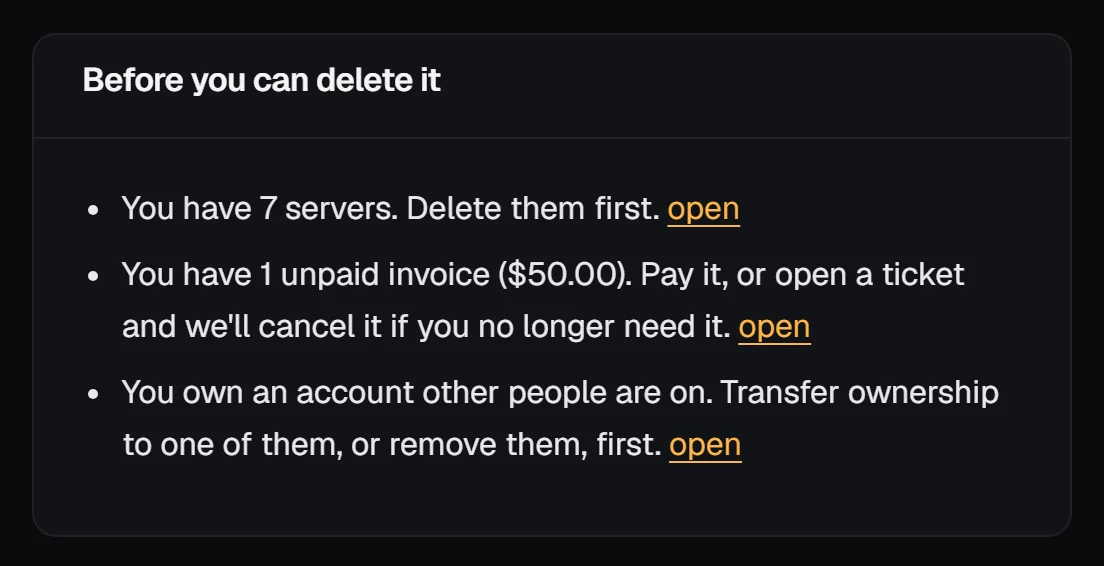
Under Your data, choose delete my account. You can delete it when it has:
- no servers: delete them first (see Cancel a server);
- no unpaid invoices: pay them, or open a ticket and we'll cancel the ones you don't need.
- no team members on an account you own: transfer ownership to one of them, or remove them.
If anything stands in the way, the page lists it with a link to fix it:
Confirm with your password (and a two-factor code if it's on). If you have account credit, the page shows how much: credit isn't paid out, so you have to agree to give it up, or open a ticket first if you think some of it should be refunded.
The account is deleted 7 days later. We email you when it's scheduled, with a link to cancel, and again when it's done. Until then everything works as usual, and you can cancel from the email or the account page.
What is deleted, and what is kept
Deleted: your email address and password, sessions, two-factor settings, passkeys and remembered browsers, SSH keys, API tokens, your security and activity logs, your support tickets, your billing details, notifications and their settings, alert rules, webhooks, your status email subscription, your servers' names, tags and notes, and your referral link. You're also taken off any team you were on. The address is free to sign up again.
Kept: invoices (with the billing details printed on them), payments, account credit and refunds, for as long as tax and accounting law requires; the record of which account held each IP address, because abuse reports can arrive later; and abuse reports and our staff's own log. The privacy policy has the details.