Choose which notifications and emails you get
Pick, per kind of notice, what shows in the panel's bell and what is emailed, which emails always go out, and how to get status emails.
Open Account → Notifications to choose, for each kind of notice, whether it shows in the panel's bell and whether it's emailed to you, then choose save settings. Security notices and billing email always go out; everything else is up to you. Status page emails are a separate switch under Account → Status emails.
What you need
- A VPSNine login. Settings are per person: on a team, the account's emails (invoices, receipts, server and ticket mail) go to its owner.
Choose what reaches you
- Open Account → Notifications.
- For each row, tick or untick in the panel and by email.
- Choose save settings.
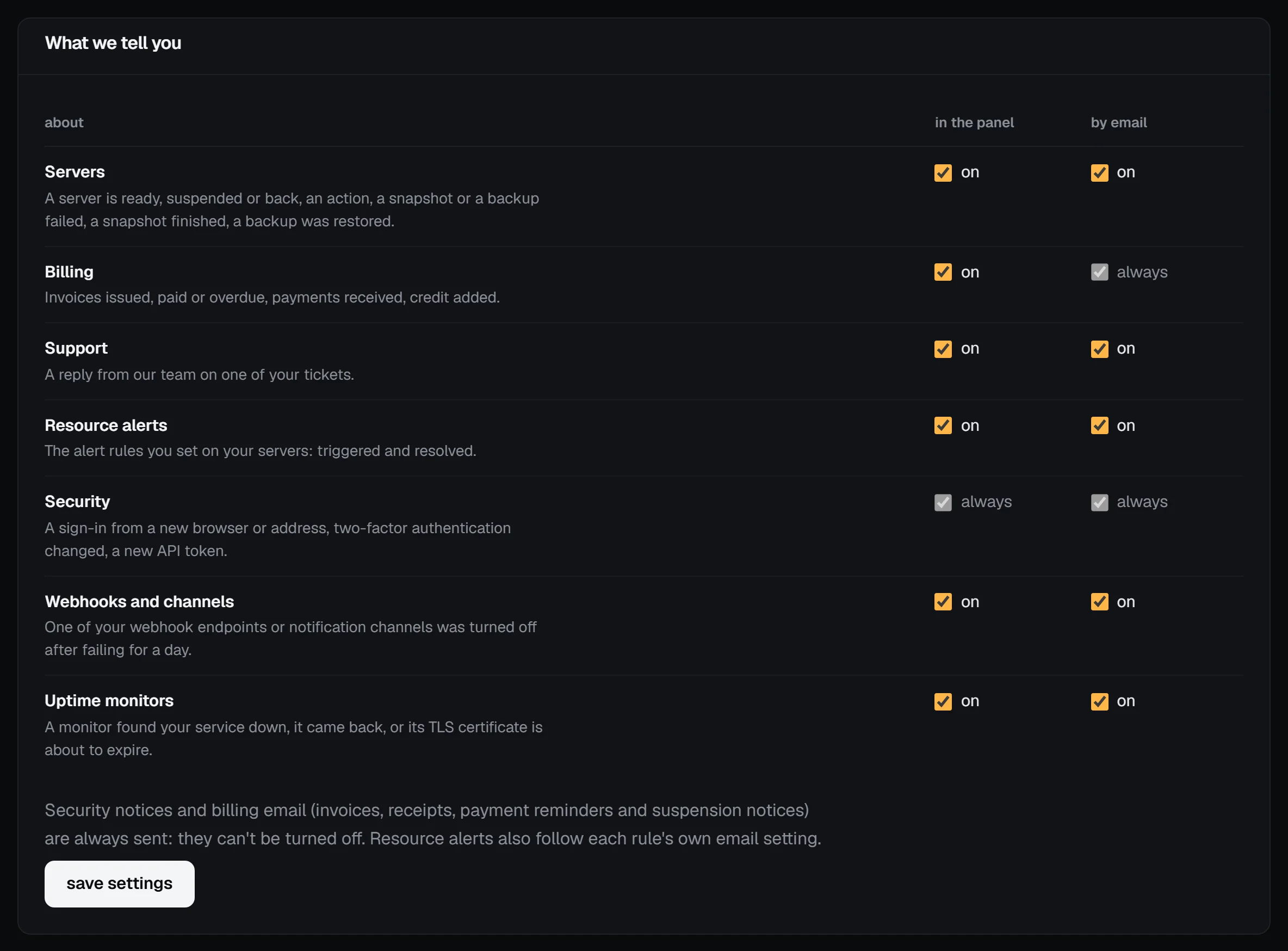
| Kind | What it covers | Can you turn it off? |
|---|---|---|
| Servers | a server is ready, suspended or back; an action or a snapshot failed; a snapshot finished | yes, both |
| Billing | invoices issued, paid or overdue, payments received, credit added | the bell yes, email no |
| Support | a reply from our team on one of your tickets | yes, both |
| Resource alerts | your alert rules firing and clearing | yes, both; each rule also has its own email switch |
| Security | a sign-in from a new browser or address, 2FA turned on or off, a new API token | no |
| Webhooks | one of your webhook endpoints was turned off after failing for a day | yes, both |
Billing email (invoices, receipts, payment reminders and suspension notices) and security notices can't be turned off, because missing them can cost you a server or your account. Whatever you choose, we never send you more than 20 of the optional notice emails in an hour.
Check it worked
The page says the settings were saved, and the next notice of that kind follows them. To see what you've been told, open the bell at the top of the panel, or my.vpsnine.com/notifications for the full list; opening one marks it read and takes you to the server, invoice or ticket it's about. Notices are kept for 90 days, 500 at most.
Status emails
To hear about incidents and maintenance, open Account → Status emails and choose Turn on status emails. It uses your account's confirmed address, so there's no confirmation email to click.
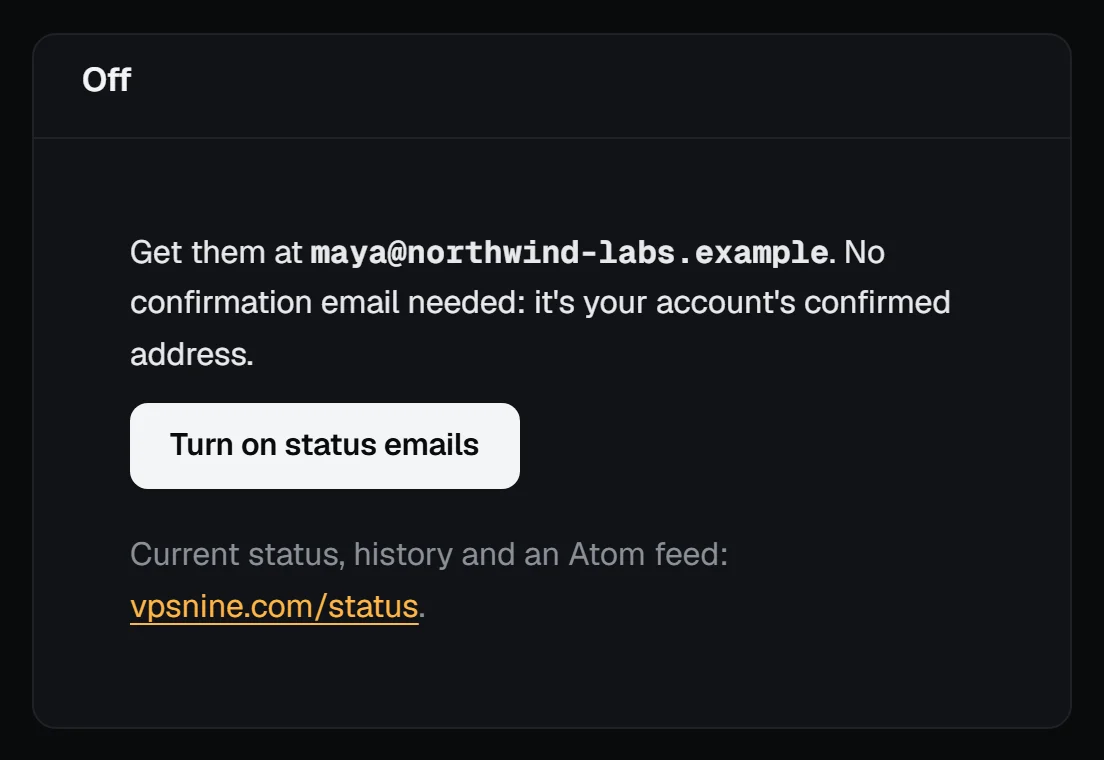
You then get an email when we post an incident or schedule maintenance, as it's updated, and when it's over. Every status email has a one-click unsubscribe link. Service status, incidents and maintenance covers the status page, its feeds and the form for people without an account.
Send notices to your own systems
To get the same events as signed JSON over HTTPS, for a chat bot, a deploy script or a status page, set up a webhook. Security notices are never sent by webhook.
Troubleshooting
- You turned billing email off and still get invoices. Billing email can't be turned off; only the bell entry can.
- No email for a server that became ready. Check the Servers row's by email switch, then spam.
- A team member wants alerts for the team's servers. Notices go to the account's owner. Members can follow events through a webhook the owner sets up, or the owner can forward them.
- "Turn on status emails" isn't there. It needs a confirmed email address.